Prepare removable storage
Format supported volumes and manage partitions.


Manage USB drives, partitions, protection and storage diagnostics on Windows.
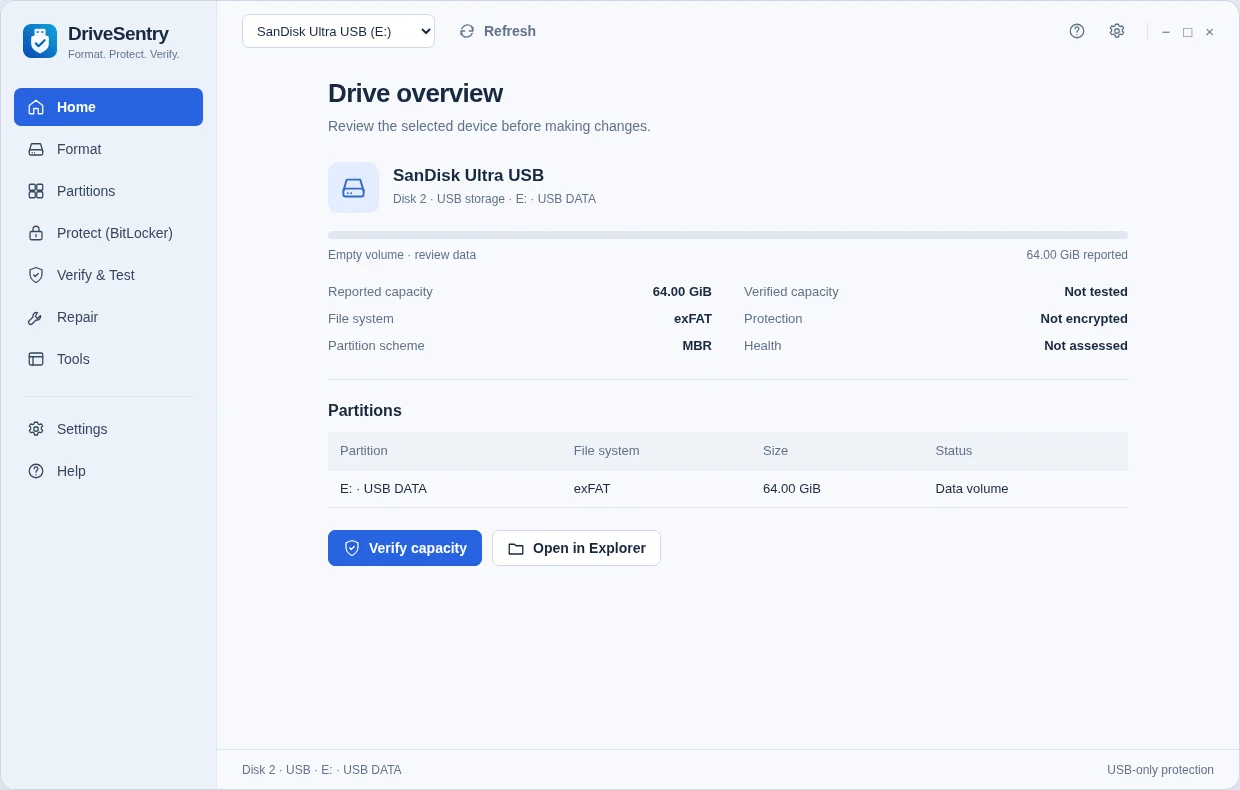
Format USB drives, organise partitions, test storage capacity and performance, and manage BitLocker protection. Back up important files before formatting or modifying partitions.
Format USB volumes in FAT32, exFAT or NTFS and customise volume labels.
Create, resize or remove partitions and rebuild disk layouts.
Manage Windows BitLocker drive protection, passwords and recovery information.
Check whether a USB drive can reliably retain its advertised capacity.
Measure read and write speeds.
Inspect drive information and run Windows file-system checks and repair.
Rename volumes, change drive letters and export diagnostic reports.
Manage application settings and offline updates.
Format supported volumes and manage partitions.
Test actual capacity and read/write performance.
Manage BitLocker protection and recovery information on Windows.
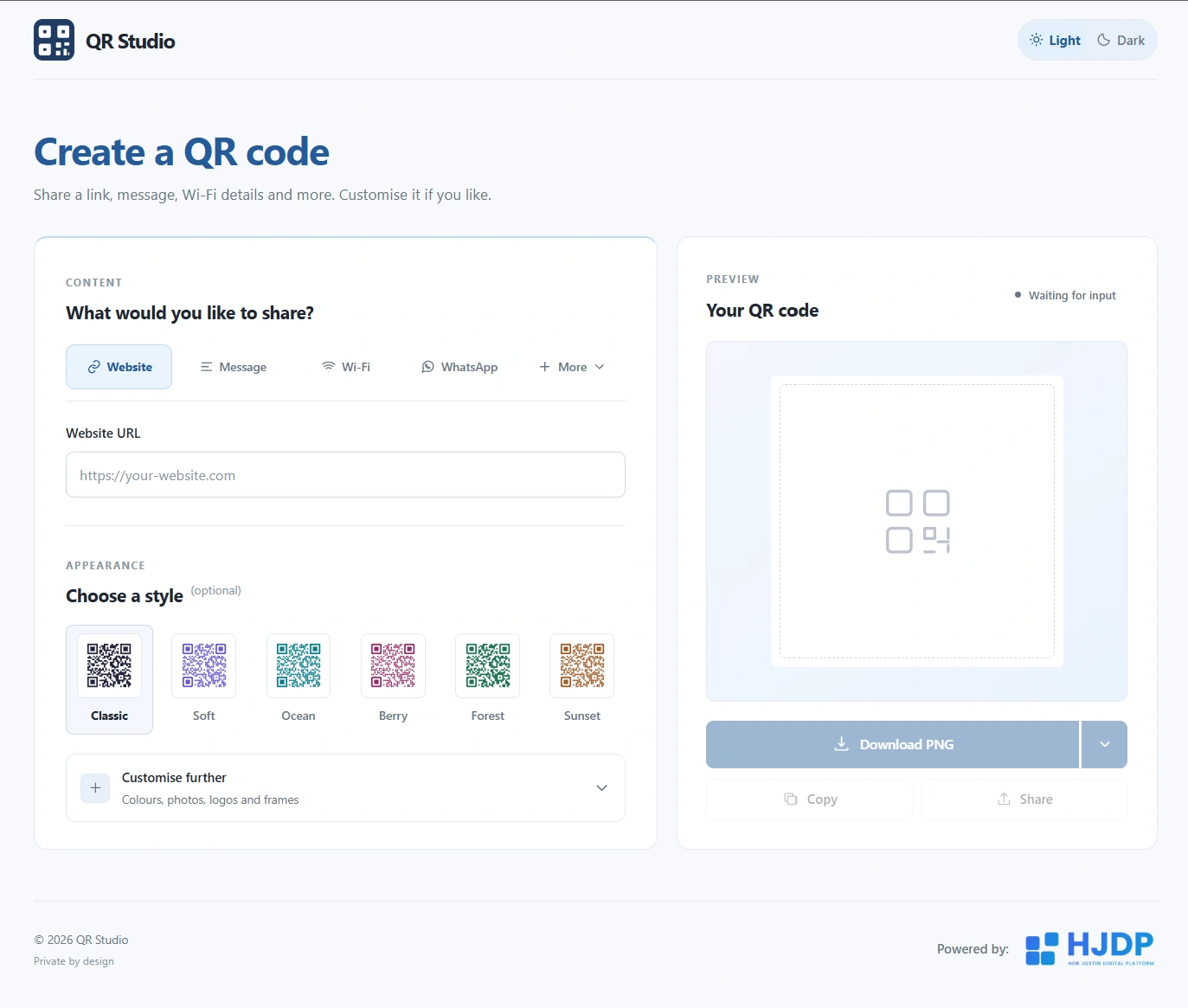

Create and customise QR codes for links, Wi-Fi, contacts and more.
Explore product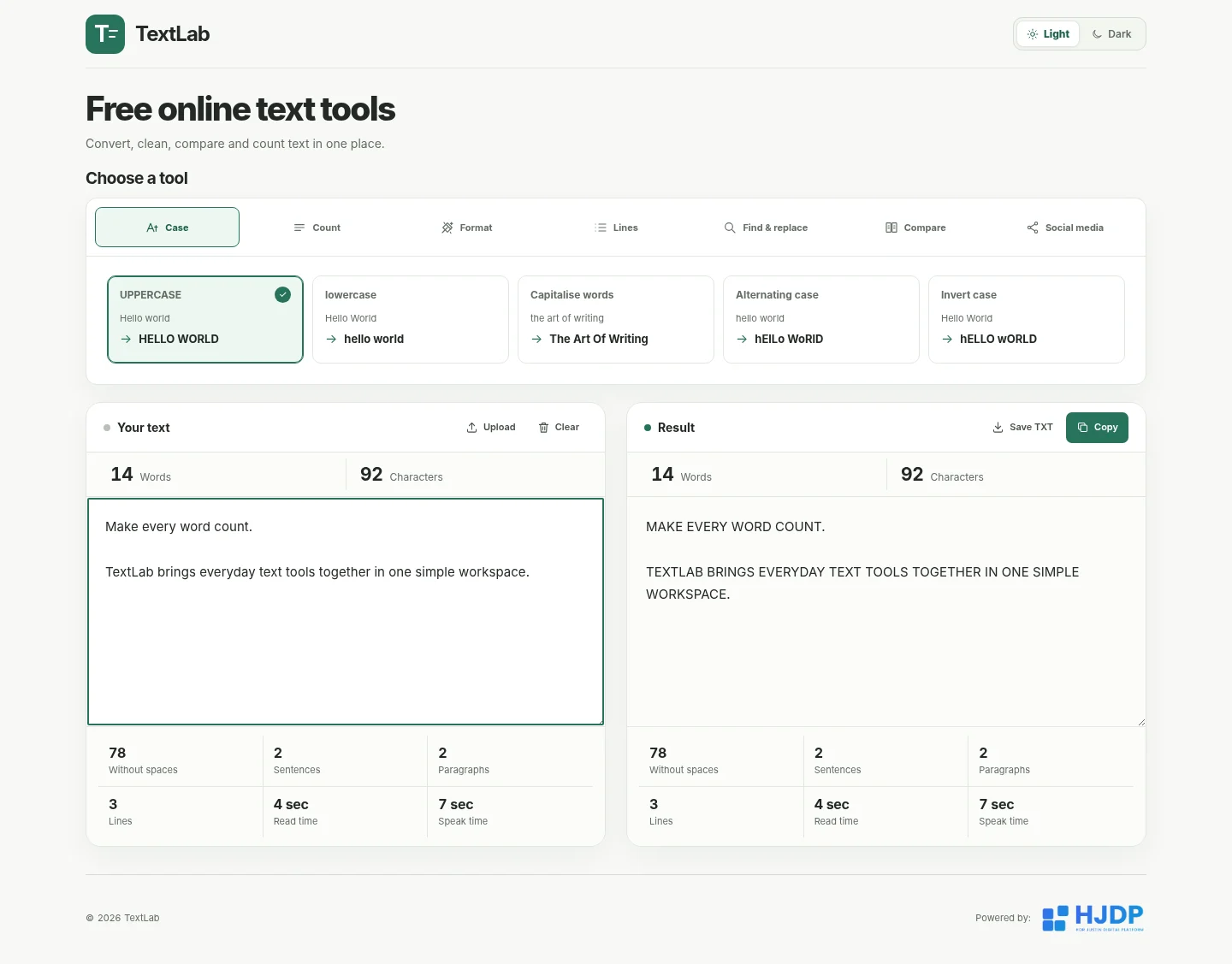

Convert, clean, compare and count text with seven everyday utilities.
Explore product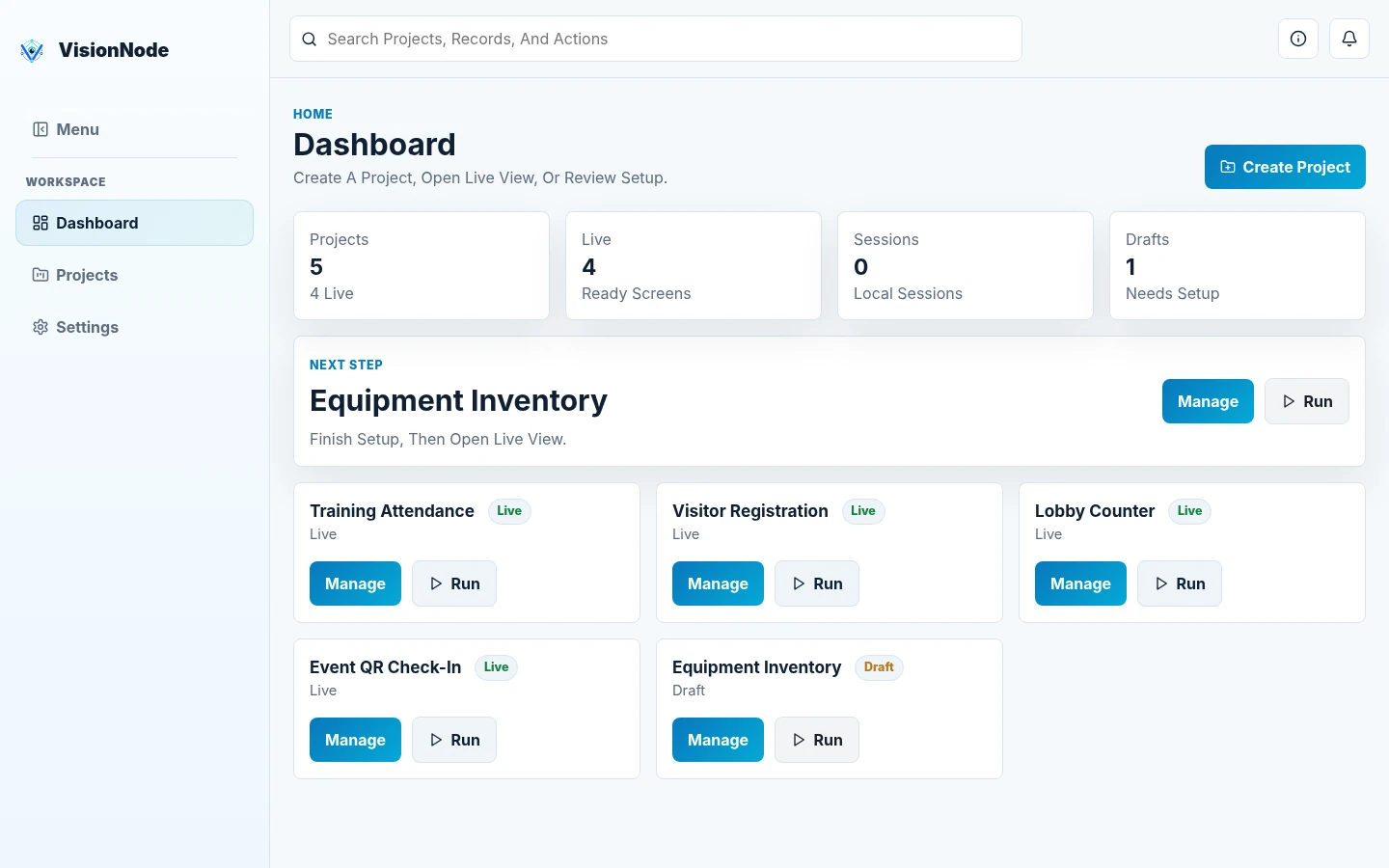

Build webcam-powered attendance, check-in, counting and scanning stations.
Explore product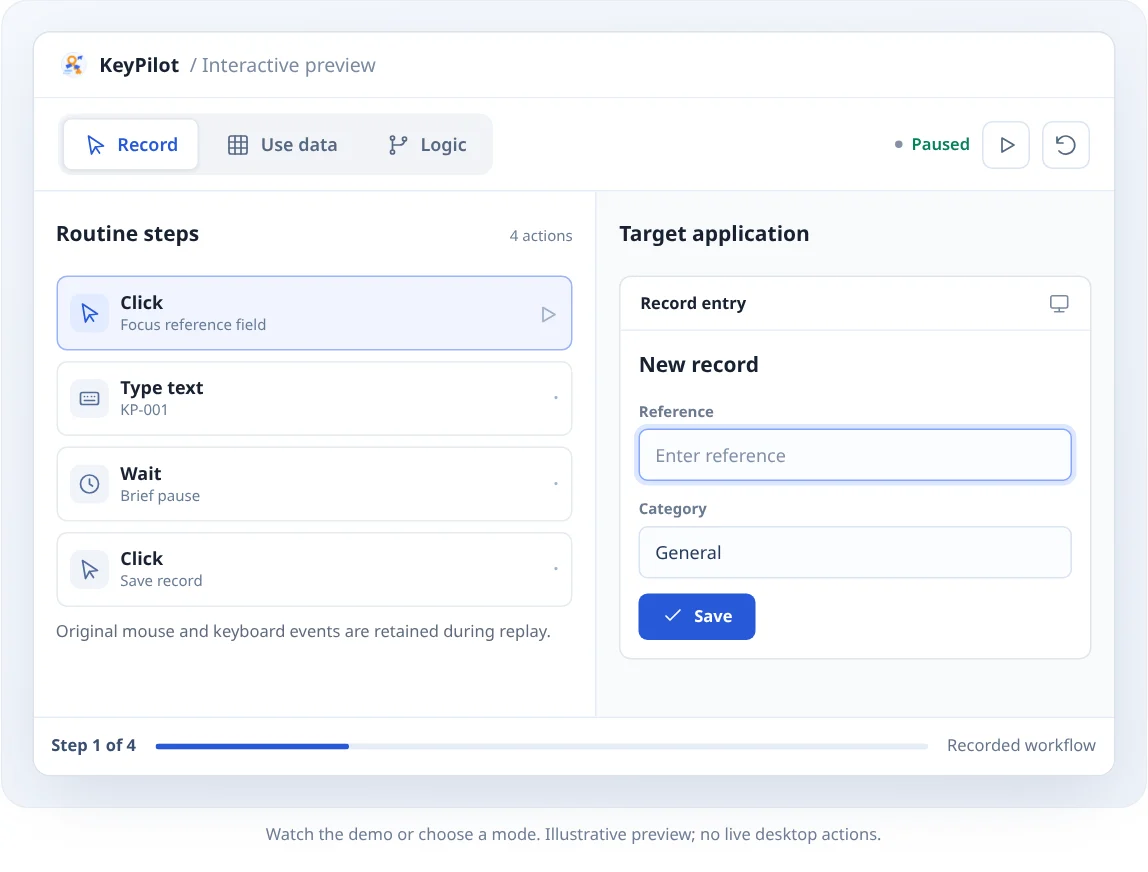

Automate repetitive Windows tasks with reusable, data-driven workflows.
Explore product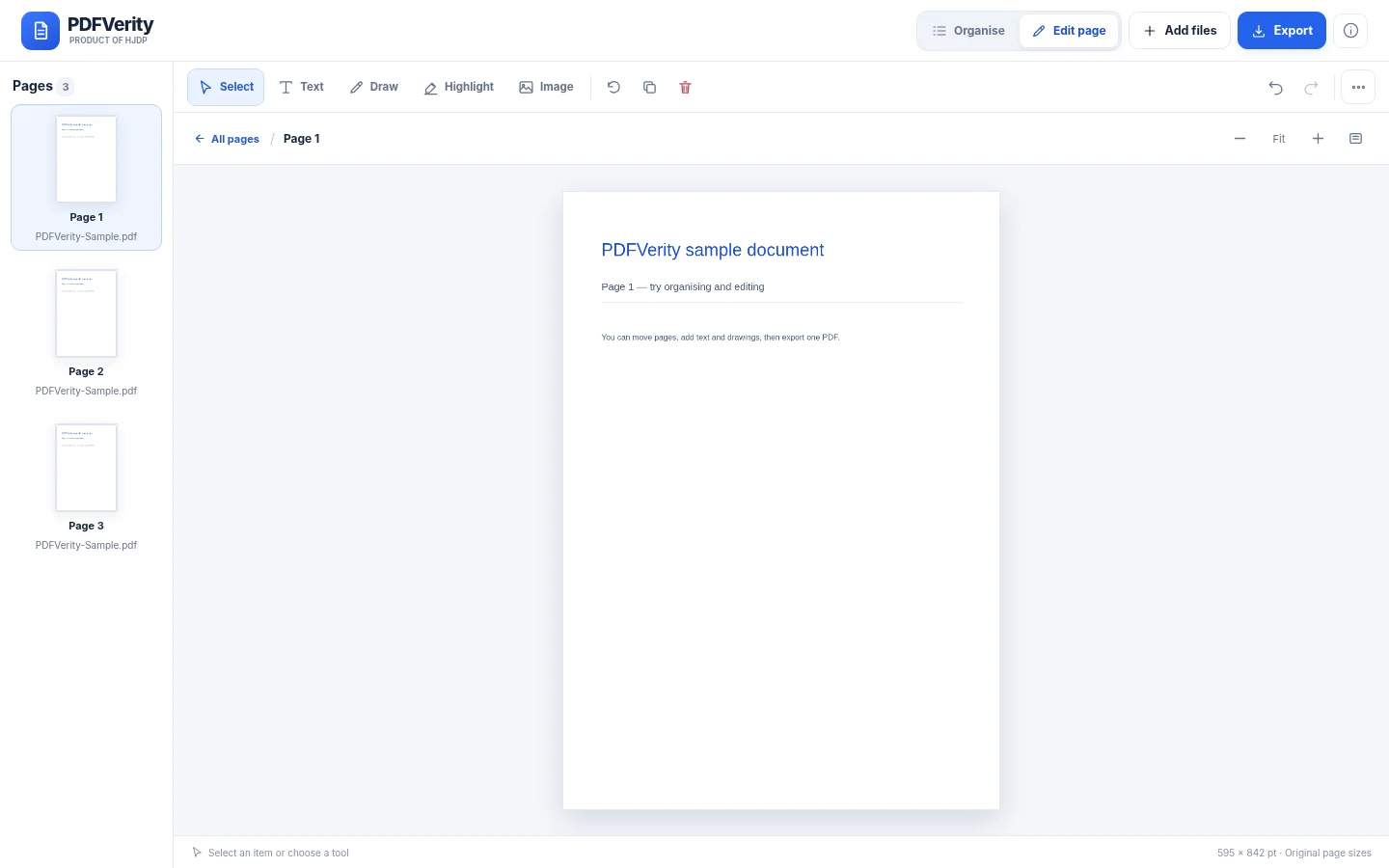
Edit, merge, organise, convert and compress PDF files.
Explore product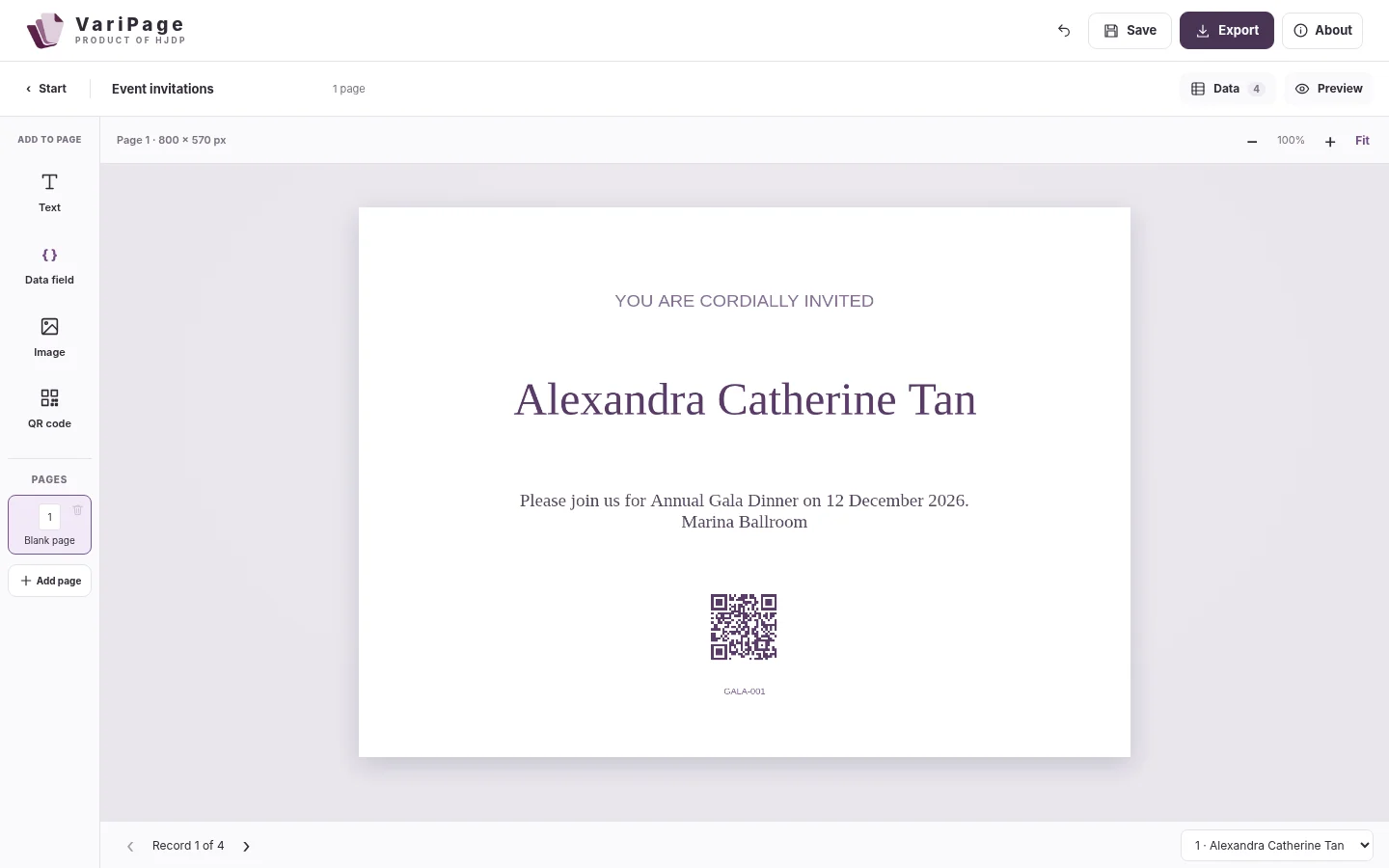

Create personalised documents in bulk using templates and spreadsheet data.
Explore product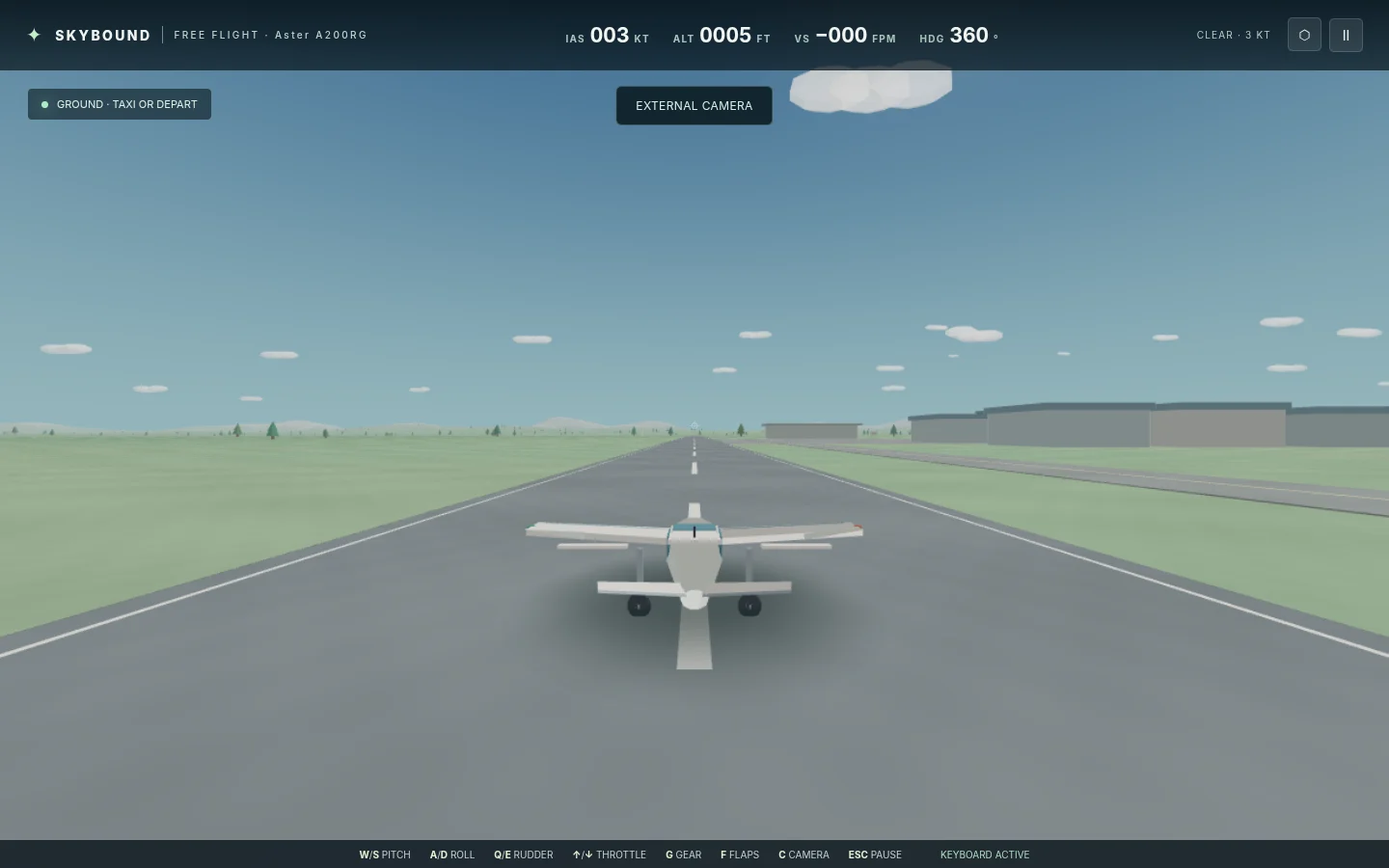

Fly five aircraft in a 3D simulator with free flight, missions and landing challenges.
Explore product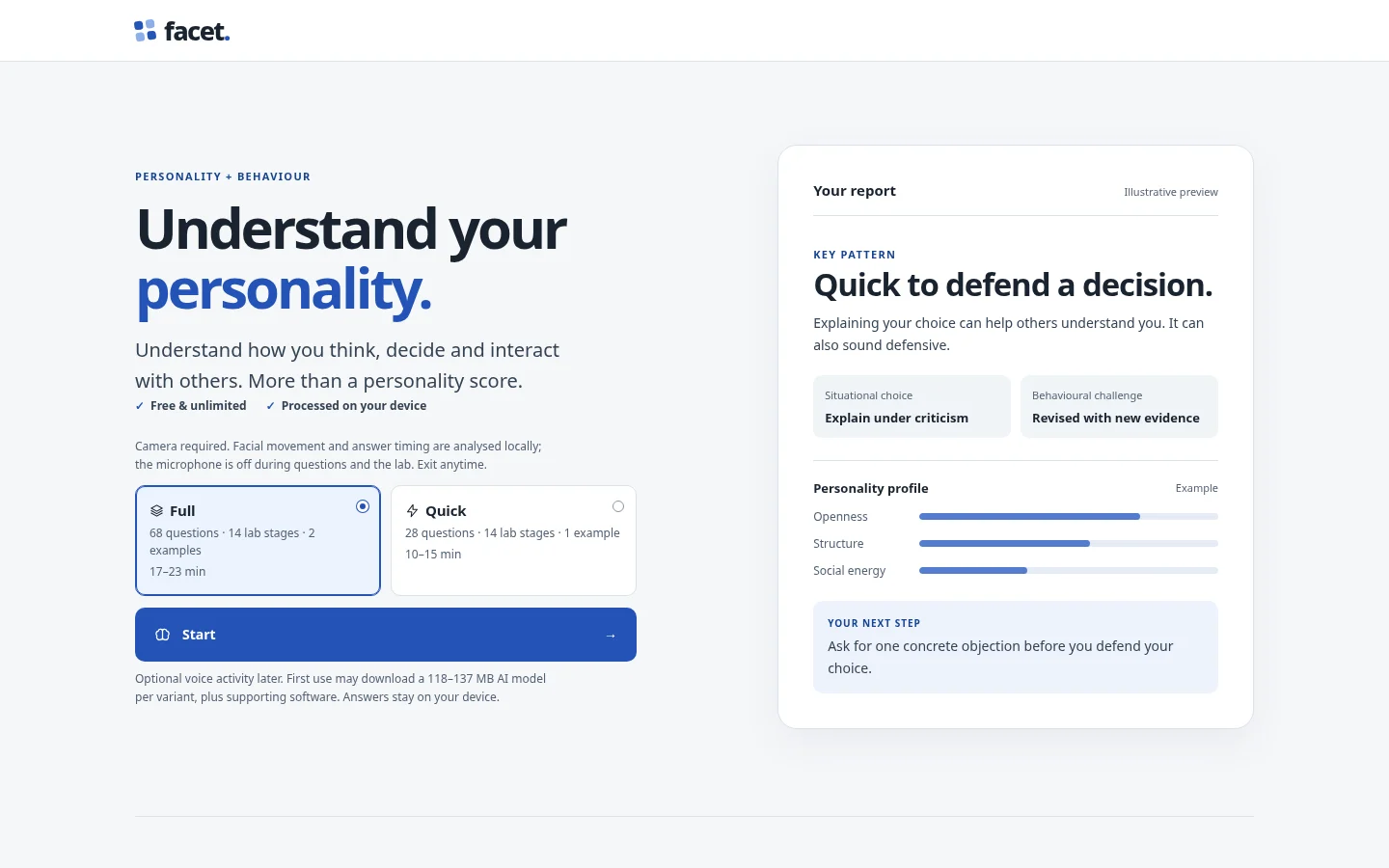

Explore personality and behaviour through guided assessments and personalised insights.
Explore product

A cinematic travel video archive with personalised recommendations, timelines and maps.
View case study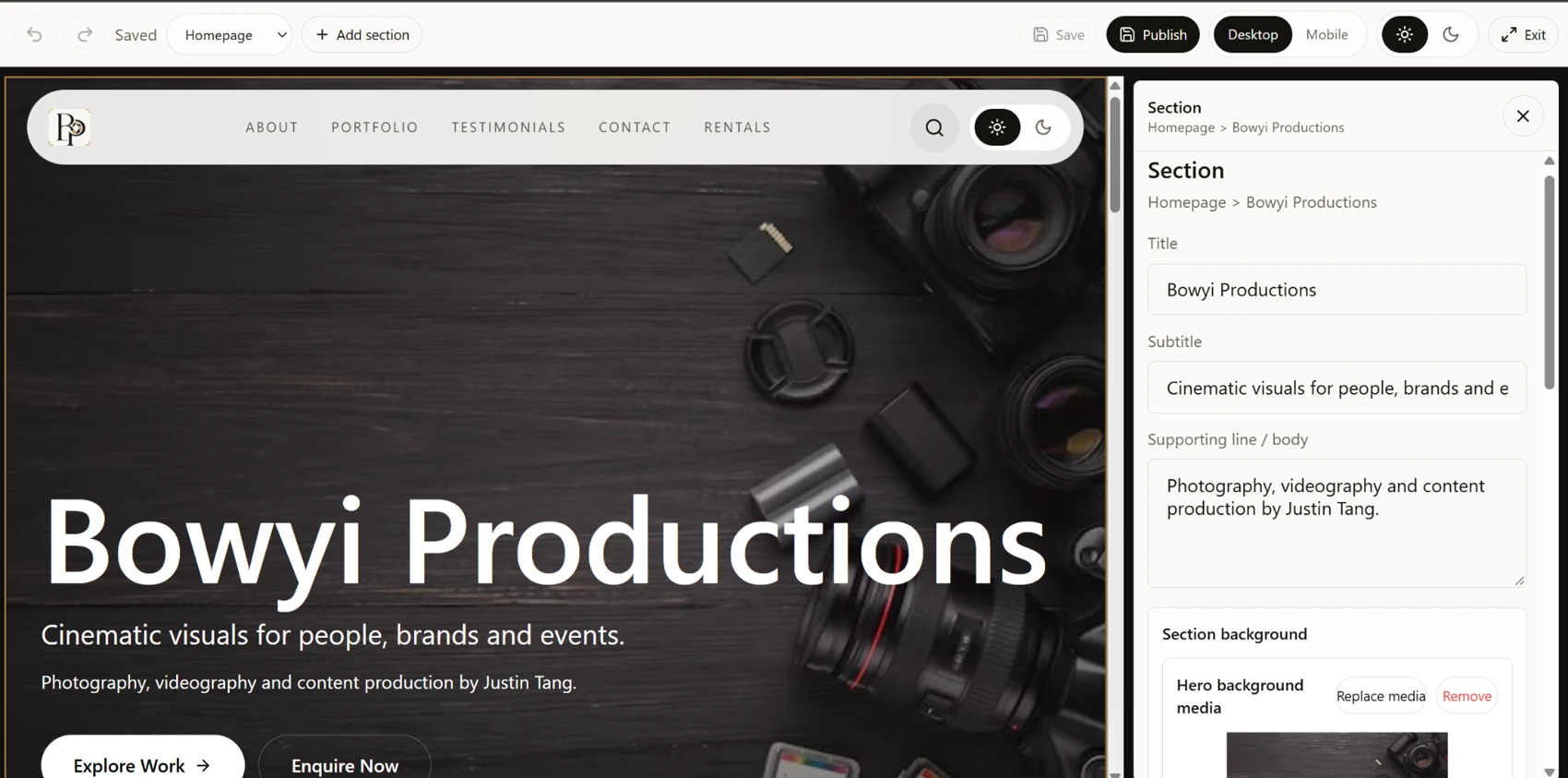

A creative studio website with an integrated visual editor and content management system.
View case study